
Search and filters
Give visitors a search box and filters over the data on your map, with filter types chosen from the data itself.
The Search & filter widget gives visitors a search box over your map's data, with optional filters — buttons, switches and sliders — to find the features they are looking for. It works on Draw, Cluster, Heatmap, Choropleth, Time Slider and Isochrone maps, once the data has fields to search.
Store Locators have their own search and filter panel — see Store Locator. Story Maps, Compare maps and Crowdsourced Maps don't offer search.
Turn it on
Show the widget
Open Widgets on the map and switch on Search & filter, the last row.
Set it up
Open Settings → Search & filter to choose what it searches and which filters to show.
Save
Select Save. Visitors see the widget on the published map and in embeds.
Settings
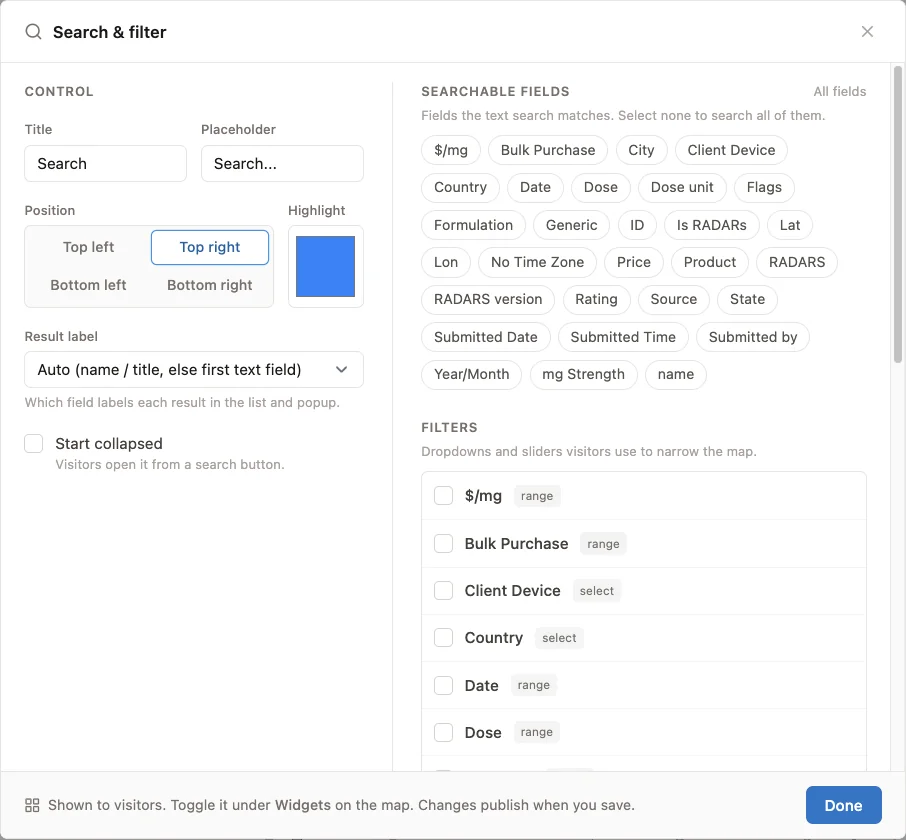
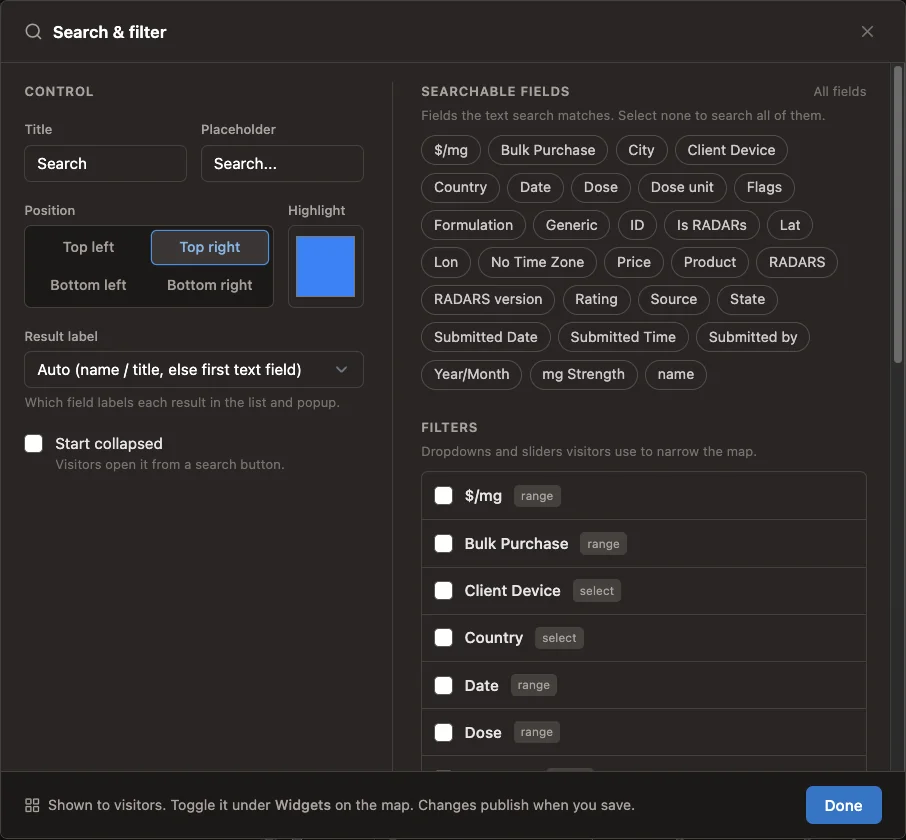
Control
| Setting | What it does | Default |
|---|---|---|
| Title | The heading of the search panel | Search |
| Placeholder | The hint inside the search box | Search... |
| Position | Which corner of the map it sits in | Top right |
| Highlight | The color matches are highlighted in | Blue |
| Result label | Which field names each result in the list | Automatic: the name or title, else the first text field |
| Start collapsed | Visitors open it from a search button | Off |
Searchable fields
Choose the fields the text search looks in. With none selected, it searches all of them. On a Choropleth map, the region name and value are available as Region and Value.
Filters
Tick the fields visitors can filter by, and give each a Display label if the column name isn't clear. Mapji picks each filter's type from the data in the column:
| Data in the column | Filter |
|---|---|
| Mostly numbers (more than 80%) | A slider with a minimum and maximum |
| Up to 30 different values | A button for each value; visitors can pick several |
| Only true and false | A switch |
| More than 30 different values | No filter: use the text search |
Cells that list several values separated by commas count each value, so a Services column with wifi, parking offers both as options.
What visitors see
Visitors type into the search box, and every feature whose fields contain the text, ignoring case, is highlighted on the map; the others stay visible. Filters narrow the matches further. The panel shows how many features match, with Clear, and lists them; selecting one flies the map to it and opens its popup. The map also fits itself to the matches as they change, even when its opening view is locked.
The list shows up to 100 matches. On a Cluster map, clusters that contain matches are ringed. On a Draw map, features hidden with the legend are left out of the search. On an Isochrone map, the search covers the starting points' names and descriptions.